You know your customer.
Make sure your agent does too.
Start with your website and customer profile. Review suggested ideal clients before choosing the signals to follow.
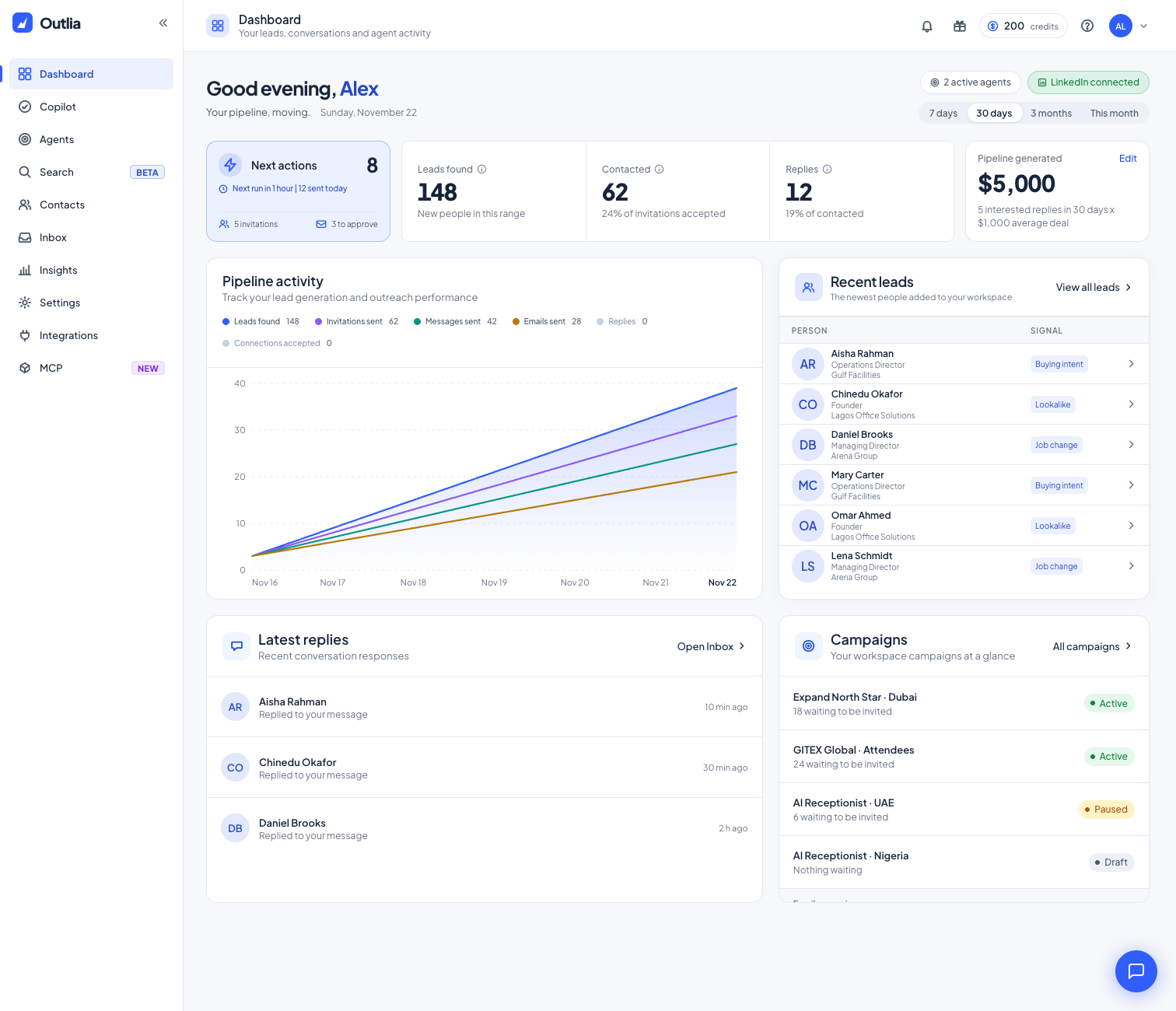
Outlia finds the right prospects, prepares personalized outreach and follows up across LinkedIn and email. So your team can focus on closing.
Your audience. Your message. Your sending limits.
There’s a better use
of your team’s day.
Tell Outlia who you help and what you offer. Your agent takes it from there, within the targeting and controls you set.
Start with your website and customer profile. Review suggested ideal clients before choosing the signals to follow.
Discover people through business activity, check them against your targeting and keep the source context with the lead.
Use personalized drafts and multi-step sequences. Manage responses in one inbox, with the lead’s context close by.
Build around the moments that matter to your market. Combine sources, then let your ICP decide who belongs in your pipeline.
Find your next opportunity ↗Someone steps into a role you sell to.
People engage with topics, experts or competitors you follow.
Hiring activity or funding signals a changing company.
Lookalike discovery builds on the ideal clients you approve.
Useful automation needs clear limits. Keep control over the audience, message and pace of your outreach.
AI drafts use the lead’s role, company and signal, alongside your offer and campaign instructions. Review what goes out.
Account-level limits, sending windows and gradual email ramp-up keep activity within your configured boundaries. No automation can guarantee an account is risk-free.
Bring your own lists, work in the app or connect an AI assistant through MCP. The same workspace permissions and usage controls apply.
Start with Pro. Add agents, mailboxes or credits as your needs grow. Check your allowance and any additional cost before you buy.
Explore plan details ↗One workspace for discovery and outreach.
You define the audience and offer, review the setup and messages, and handle conversations. Outlia helps with discovery, qualification, drafting and scheduled follow-ups within your controls.
Lead discovery and outreach are separate. Configured discovery sources can find prospects without a connected LinkedIn account. Sending LinkedIn invitations and messages requires a connected account.
In AI mode, drafts use each lead’s available profile, company and signal context, plus your campaign instructions. Template mode uses the copy and personalization fields you choose.
Yes. Review campaign content and use approval controls, sending windows and account limits. Draft replies remain suggestions for you to review.
Your workspace data is kept separate from other customers. Our Privacy Policy explains how we process data, and Privacy Choices explains how to make a rights request.
Set your targeting. Review your matches. Make your next move.